05 / 6
Resource capacity
Who is available, who is over capacity, which work has nobody planned.
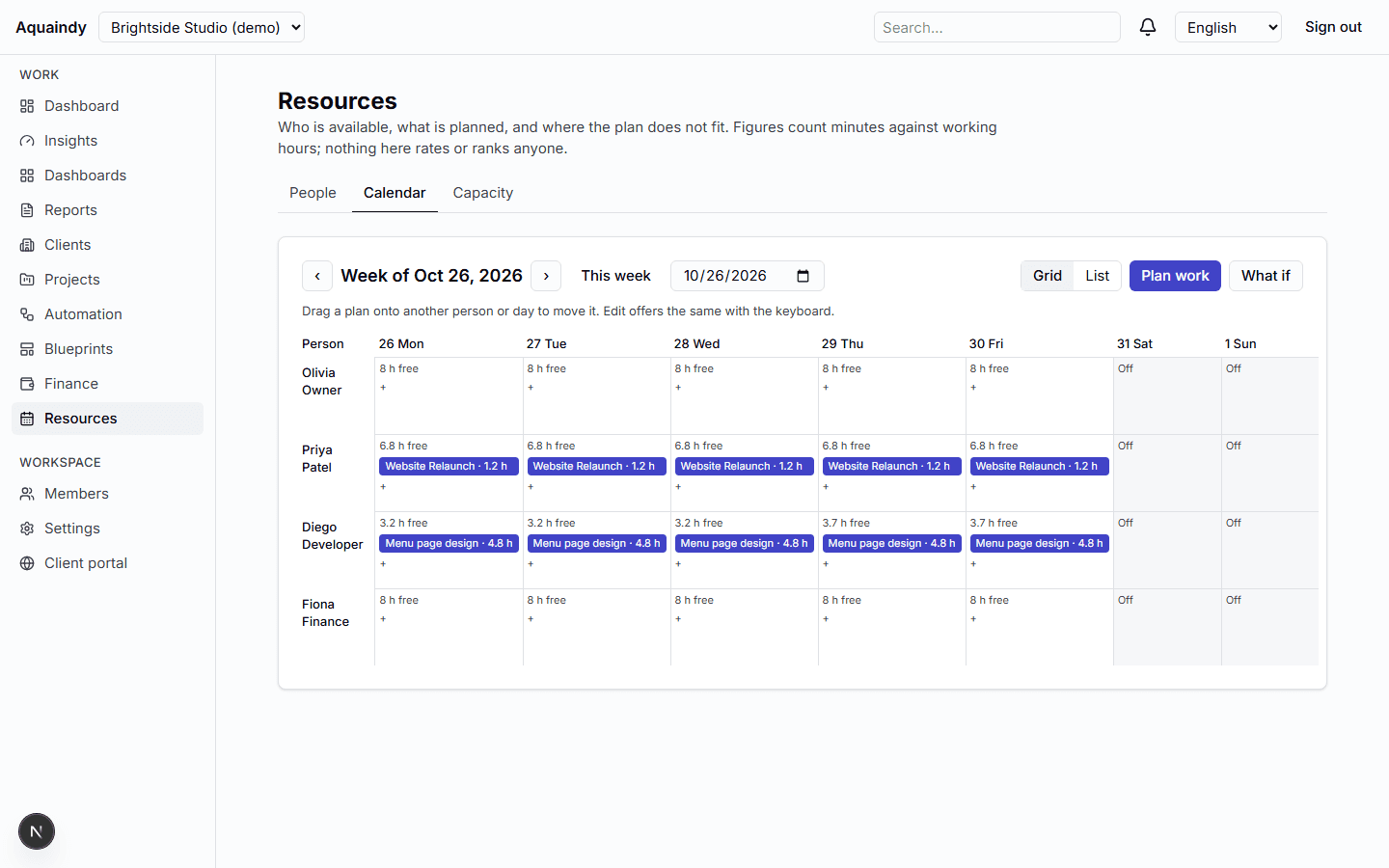
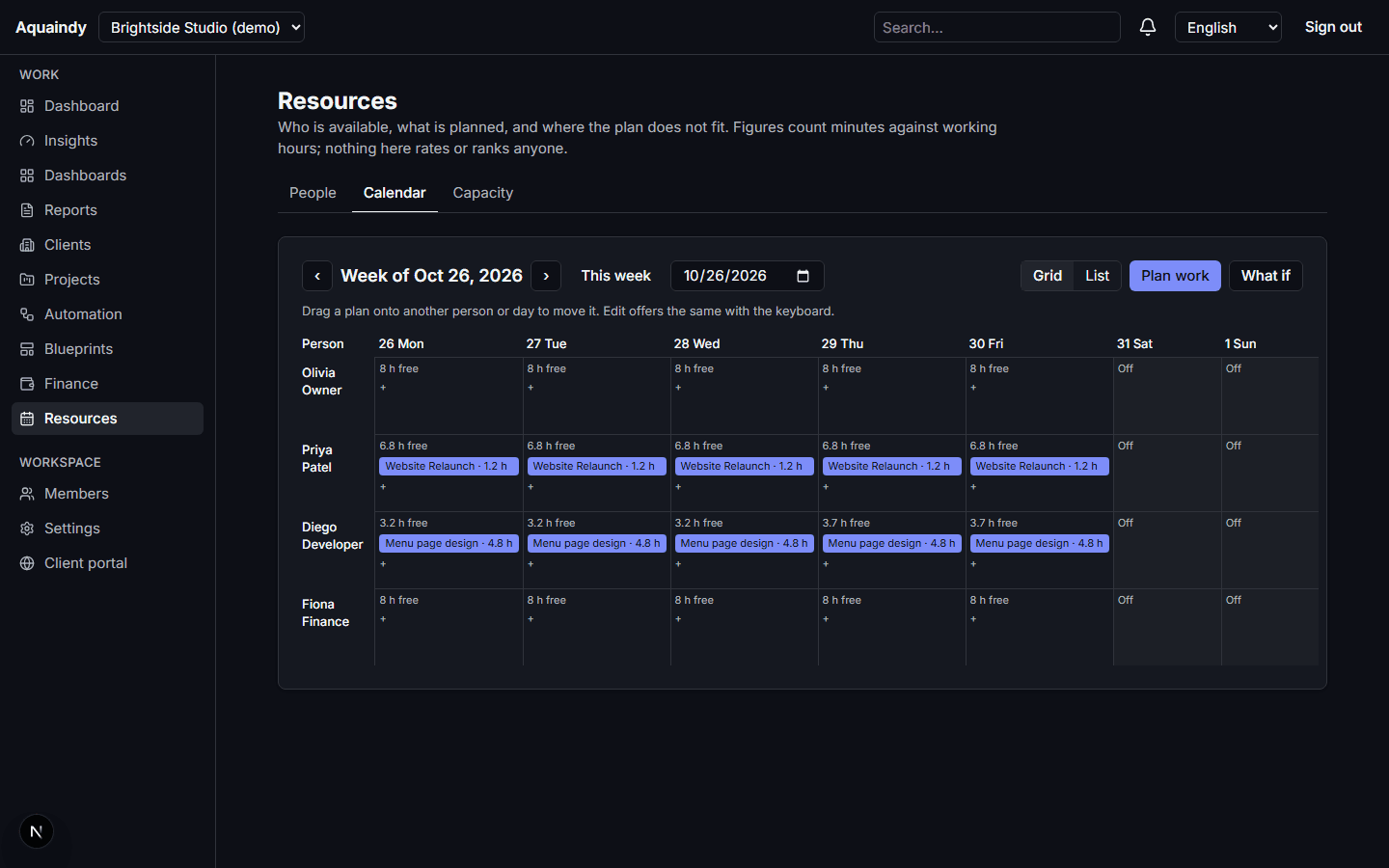
Working weeks, time zones, holidays and absences per person; planned allocations against tasks; weekly utilization with the denominator shown; deterministic conflict rules and what-if simulation. Transparent scheduling, never a rating.
What it does
- Working-week templates, time zones, observed holidays and absences with categories hidden from non-managers
- Allocations with start, end, minutes and status, linked to tasks, planned on a drag-and-drop calendar with a list alternative
- Weekly availability and utilization per person and for the workspace, with assumptions listed
- Conflicts: over capacity, absence overlap, unassigned work due soon, staffing gaps, with notifications and an automation trigger
- What-if simulation that writes nothing; suggested free slots; a waitlist of unplanned work
- Recomputed on every scheduling or task change and once a day
How it works
- 1Set each person's working week and time zone; add holidays.
- 2Plan allocations from the waitlist or the calendar.
- 3Resolve conflicts as they are flagged; simulate before committing.
What it never does
- Nobody is scored, ranked or evaluated; figures describe plans, not people.
- Nothing is assigned automatically; a person makes every staffing change.
- Members see aggregates; individual detail is for scheduling only.
Works with
- Client operationsClients, projects, requests, deliverables and a portal your clients can trust.
- Workflow automationRules that route work and remind the right people, with nothing you cannot explain.
- Command centerWhat is late, waiting, over budget or under-resourced, with the formula beside each number.